Sometimes you will need to access another account in order to help the admin.
Note: Permissions may be restricted depending on your role.
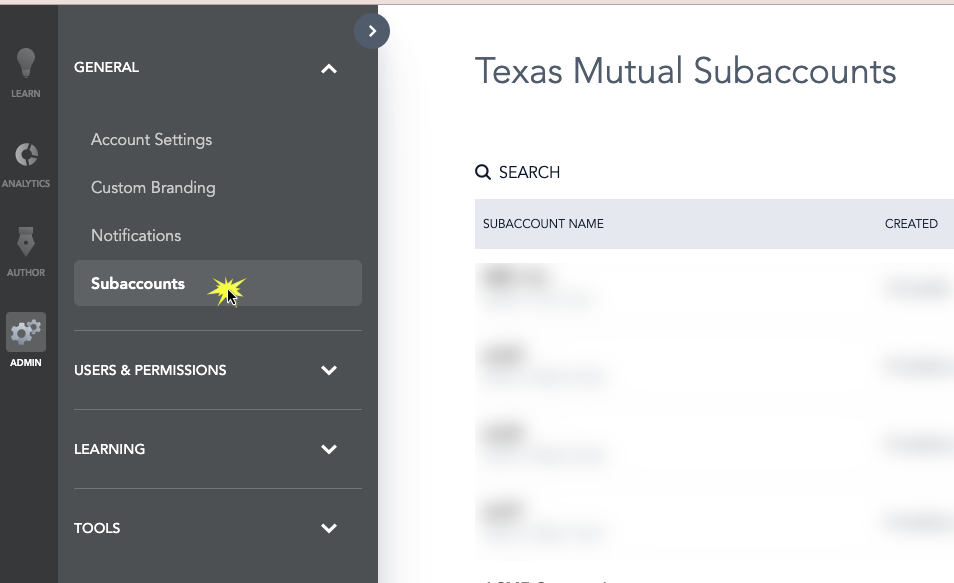
On the application switcher, access the Admin section and selection Sub Accounts.
Type in the name of the company you are trying to access and select
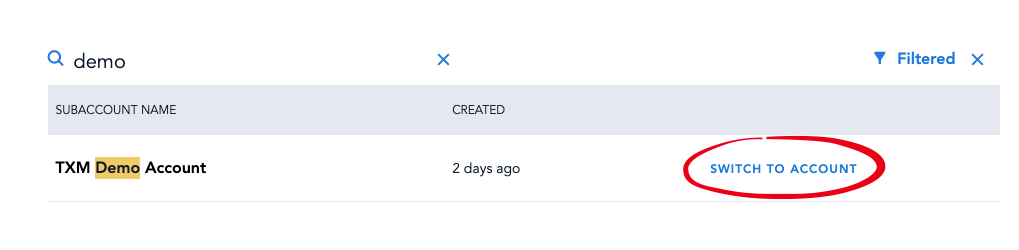
This will open a new window allowing you to access the sub-account.
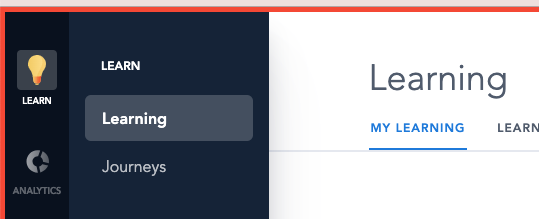
Tip: You will know you are in another account because there will be an orange frame around it.
Was this article helpful?
That’s Great!
Thank you for your feedback
Sorry! We couldn't be helpful
Thank you for your feedback
Feedback sent
We appreciate your effort and will try to fix the article